Reviewed every quarter · sources checked Oct 2, 2026
Stock photo sites that accept AI generated images: the 2026 list
Want to sell AI generated stock photos? Only some sites allow it, and each has its own label, limits and technical rules. Here is the site-by-site picture from their official help pages, and the fastest way to prepare files that meet them.
- Title, keywords and CSV are free
- 4 High images + 4 upscales to try
- No card to start
Plans from €49 a month, excluding VAT. Stock Creatives was built by a contributor with 20,000+ images on Adobe Stock.
Last reviewed 2026-10-04
Prompt
Remote worker at a sunny kitchen table, natural light
 3x
3x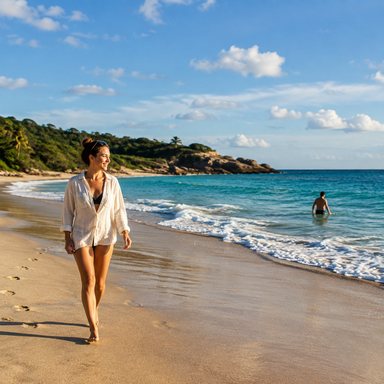 3x
3x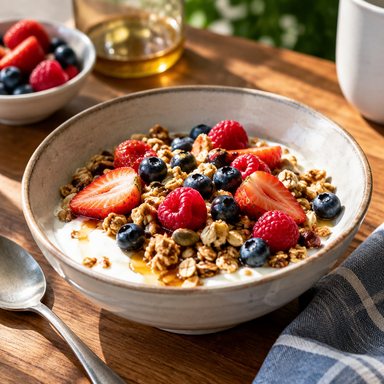 3x
3x 3x
3x Upscale
 Upscale
 3x
3x 3x
3x Upscale
- 7
- stock sites checked against their official help pages on October 2, 2026
- 3 + 1
- accept AI images: Adobe Stock, Freepik (Magnific Contributor) and 123RF, plus Dreamstime under 2023 terms (not confirmed for 2026)
- 3
- say no: Shutterstock (per the data we have), Alamy and iStock / Getty Images
- 4 MP
- is Adobe Stock's minimum. 123RF asks for 6 MP and Freepik for 2000 px per side
Which stock photo sites accept AI?
| Stock site | Accepts AI? | Required label | Limits | Technical requirements |
|---|---|---|---|---|
| Adobe Stock | Yes | Tick “Created using generative AI tools” (required for all generative AI content) | Max. 3 iterations of similar assets; no repeated versions of the same prompt; AI can't go to Illustrative Editorial | 4–100 MP, max. 45 MB, JPEG sRGB (PNG only with transparency) |
| Freepik (now Magnific Contributor) | Yes | AI button, or “_ai_generated” tag in the CSV. Untagged resources may be rejected | Avoid repeating the same prompt; no malformations or flat, low-detail texturing | 2000–10000 px per side, max. 80 MB, photos at least 1.5 MB, JPG; 5–50 keywords in English |
| 123RF | Yes | Only in the “AI Generated Images” category | No names of real people, places or brands; avoid similar variations | Min. 6 MP (about 2000 × 3000 px); no artifacting, noise or pixelation |
| Dreamstime | Yes, with conditions (2023) | Say it is AI in the description; category “Illustrations and Clip Art / AI generated” | You must hold the rights; no faces of generated people | JPG, RGB/sRGB, 3–70 MP. [[PENDIENTE: confirmar que la política de IA de Dreamstime de 2023 sigue vigente en 2026]] |
| Shutterstock | No, per the data we have (Oct 2, 2026) | — | Its policy page says contributors may not submit AI-generated content | 4 MP min.; JPEG or TIFF (for non-AI work) |
| Alamy | No | — | Does not accept images generated by AI programs | JPEG RGB, over 17 MB uncompressed (for non-AI work) |
| iStock / Getty Images | No | — | AI-free imagery policy; only limited AI retouching of original non-AI work | — |
Data from each site's official help pages (see sources below). Where an official page blocked automated access, we read the archived copy of that same official page.
Adobe Stock: yes, with a label and a limit on similar images
Adobe Stock says it “accepts generative AI images, vectors, and videos that meet current submission standards.” It is the main outlet for most people who sell AI generated stock photos, and the rules are clear:
Label. The “Created using generative AI tools” checkbox is required for all generative AI content. Missing it, or ticking it on non-AI content, is listed as a refusal reason. If a fictional person or property looks real, also tick “People and Property are fictional”; if the image depicts or is based on an identifiable person, you need a model release.
Similar images. “Submit a maximum of three iterations of similar assets,” and don't upload several versions of the same prompt. This is the rule that catches most new AI contributors.
Names. No artists, real people, fictional characters, copyrighted works, government agencies or third-party IP in prompts, titles or keywords. Adobe warns violations may lead to content removal or account termination.
Category. Photorealistic images (“could have been taken with a camera”) go under Photos; the rest under Illustrations. AI content can't be submitted as Illustrative Editorial.
Quality. No anatomical errors, embedded text, signatures or watermarks, surreal or distorted results, unrealistic lighting or render artifacts. Upscaling is allowed, but Adobe asks you not to “increase resolution in ways that degrade quality.”
Freepik (Magnific Contributor): yes, tag every AI file
Freepik's contributor program now runs as Magnific Contributor, and the old support.freepik.com pages redirect there. AI resources are accepted, but they must be tagged with the AI button or the “_ai_generated” tag in the CSV; “resources may be rejected if they are not properly tagged.”
Files are rejected automatically if a side is under 2000 px or over 10000 px, if the file is over 80 MB, or if a photo weighs under 1.5 MB. Keywords: 5 to 50, in English. Freepik has no explicit rule on upscaling.
123RF and Dreamstime
123RF accepts AI images only in its “AI Generated Images” category, without names of real people, places or brands. Its minimum is 6 MP, and it explicitly allows upscaling: “Use image enhancement or upscale tool if necessary”, as long as there is no artifacting, noise, pixelation or loss of detail. Guidelines updated December 21, 2023.
Dreamstime announced in 2023 that it accepts AI content under specific terms: you must hold the rights, state in the description that it is AI, use the “AI generated” category and not upload faces of generated people. Files: JPG, RGB/sRGB, 3 to 70 MP. Its current page couldn't be read when we checked, so we can't confirm the policy is unchanged in 2026.
Sites that don't accept AI images
Shutterstock: according to the data we have (its policy page, checked October 2, 2026), “Shutterstock will not allow AI-generated content to be submitted by contributors for licensing on our platform.” It was still in force when we checked. It also asks contributors not to upscale JPEGs beyond their original size. More in Adobe Stock vs Shutterstock.
Alamy: “We don't accept images generated by Artificial intelligence (AI) programs.” It allows AI tools such as denoise on real photos, and warns that if one image fails quality control, the whole pending batch fails.
iStock / Getty Images: “iStock does not accept AI‑generated visuals in our library.” Only limited AI retouching of original, non-AI work is allowed.

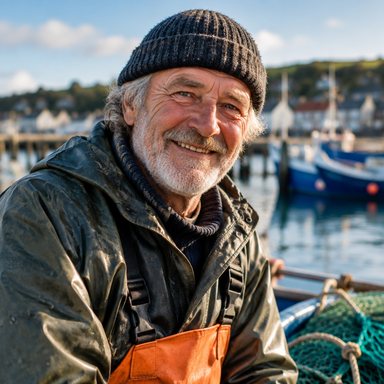

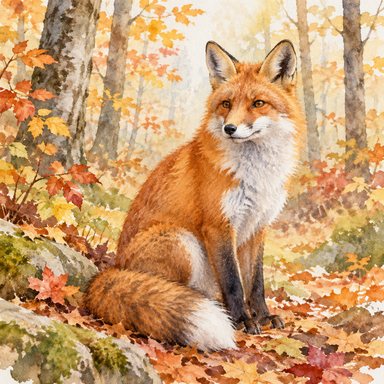
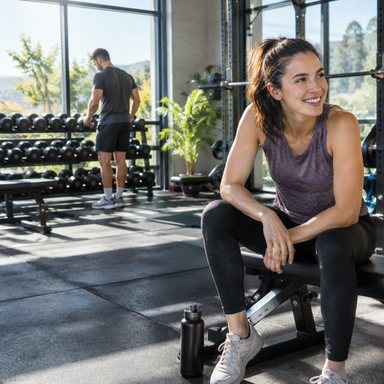



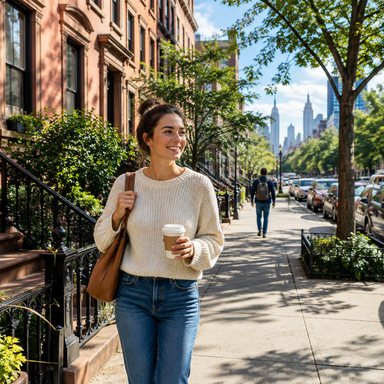

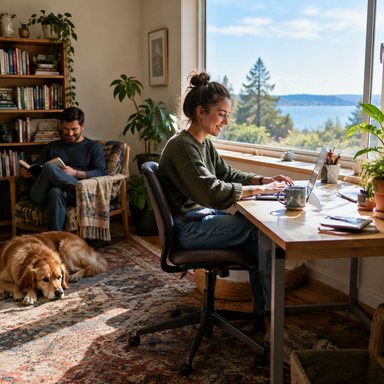
Sample styles inside the app
How to sell AI generated stock photos without getting rejected
- 1Upload only where AI is allowedAdobe Stock, Freepik/Magnific and 123RF. Never Shutterstock, Alamy or iStock.
- 2Clean up every file at 100%Hands, faces, stray text, logos, odd shadows and artifacts are the usual suspects.
- 3Reach each site's minimum size4 MP on Adobe Stock, 6 MP on 123RF, 2000 px per side on Freepik, without degrading quality. Our AI image upscaler enlarges to 3x to clear the minimums comfortably.
- 4Write clean metadataTitle under 70 characters and up to 49 keywords for Adobe, with no protected names. Check what a file already carries with the photo metadata viewer.
- 5Label it as AI and limit similar imagesUse each site's AI label and keep at most three similar iterations per idea on Adobe Stock.
How Stock Creatives helps
Stock Creatives is an all-in-one app for people who sell AI images on stock sites, mainly Adobe Stock: generate images with top-tier models, upscale to 3x with our own upscaler (also your own Midjourney files), and get a title, up to 49 keywords and an Adobe Stock CSV ready to upload, included at no extra cost. An automatic review flags hands, text and logos before you submit.
New to this? Start with our microstock guide, or read where to sell AI art beyond stock sites. Plans are on the pricing page.
- Generate, upscale to 3x and keyword in one place
- Title, keywords and CSV don't use credits
- Automatic check for hands, text and logos
Title58/70
Remote worker typing on a laptop at a bright kitchen table
Example
Keywords49/49
Frequently asked questions
Which stock photo sites accept AI generated images?+
As of October 2026: Adobe Stock, Freepik (Magnific Contributor) and 123RF, each with an AI label. Dreamstime accepted them under conditions in 2023 (not confirmed for 2026).
Does Shutterstock accept AI images?+
No, according to the data we have. Its policy page, checked on October 2, 2026, says contributors may not submit AI-generated content for licensing.
How many similar AI images can I upload to Adobe Stock?+
Adobe asks for a maximum of three iterations of similar assets and no multiple versions of the same prompt.
Do I have to label AI images?+
Yes. Adobe requires the “Created using generative AI tools” checkbox, Freepik the AI button or “_ai_generated” tag, 123RF its AI category and Dreamstime a mention in the description.
Can I upscale AI images before uploading?+
Adobe and 123RF allow it as long as quality doesn't suffer. Shutterstock asks you not to upscale JPEGs, but it doesn't accept AI images anyway.
How often is this list updated?+
Every quarter. The review date is shown at the top of the page.
Can I try Stock Creatives before paying?+
Yes. Sign up and confirm your email to get 4 High images and 4 upscales to try. No card is needed.
Sources
- Adobe Stock: Generative AI content guidelines · 2026-10-02
- Adobe Stock: Generative AI FAQ · 2026-10-02
- Adobe Stock: Technical and legal requirements for photo submission · 2026-10-02
- Adobe Stock: Technical requirements for PNG submission · 2026-10-02
- Adobe Stock: Common reasons for content refusal · 2026-10-02
- Freepik / Magnific Contributor: AI generated resources, general guidelines · 2026-10-02
- Freepik / Magnific Contributor: Automatic rejections · 2026-10-02
- 123RF: Guidelines for AI generated content (updated 2023-12-21) · 2026-10-02
- Dreamstime: Now accepting AI-generated content under specific terms (2023, archived) · 2026-10-02
- Shutterstock: Content policy updates, AI-generated content · 2026-10-02
- Shutterstock: AI-generated content, contributor FAQ · 2026-10-02
- Shutterstock: Technical requirements for images · 2026-10-02
- Alamy: Contributor uploading · 2026-10-02
- Alamy: Contributor quality control · 2026-10-02
- iStock: AI-Free Imagery Policy · 2026-10-02
Get your AI stock images review-ready
Generate, upscale to 3x and get your title, keywords and CSV in one place. 4 High images and 4 upscales to try when you confirm your email. No card needed. Acceptance is up to each site's reviewers.
Try it free